Discover the latest Instagram growth tips, social media tools, digital marketing guides, and tech insights on Downgram
Does Instagram Notify When You Screenshot a Post in 2026
a
admin
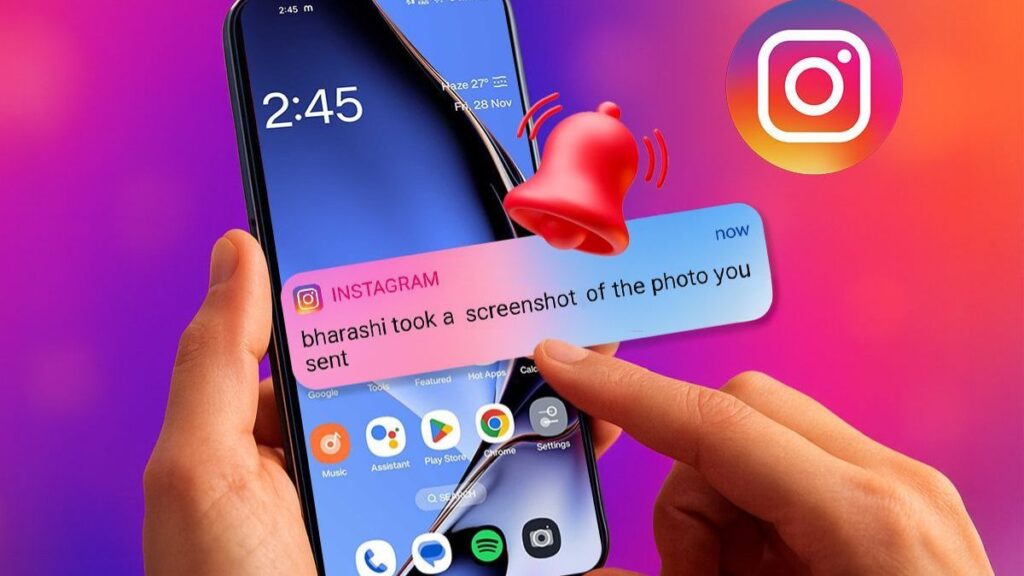
Instagram users often wonder: does instagram notify when you screenshot a post? It is one of the most searched privacy questions on social media today. Many people worry that taking a screenshot could alert the other person instantly. Others want to save posts, stories, or messages without creating awkward situations.
The good news is that Instagram’s screenshot notification system is much simpler than most people think. However, there are a few exceptions you should know about before taking screenshots inside the app.
This guide explains exactly when Instagram sends screenshot notifications, when it does not, and how Instagram privacy features work in 2026.
Does Instagram Notify When You Screenshot a Post
No, Instagram does not notify users when you screenshot a regular post.
You can safely screenshot:
- Feed posts
- Reels
- Profile pages
- Comments
- Captions
- Hashtags
- Explore page content
The account owner will not receive any notification when you capture these types of content.
This policy has remained consistent for several years because screenshots are considered a standard device feature rather than a trackable social interaction.
Quick Answer Table
| Instagram Content Type | Screenshot Notification Sent? |
|---|---|
| Regular feed posts | No |
| Reels | No |
| Stories | No |
| Profile pages | No |
| Direct messages | No |
| Disappearing photos in DM | Yes |
| Vanish mode media | Yes |
The confusion usually comes from Instagram’s older experiments with screenshot alerts. At one point, Instagram tested notifications for stories, but the feature was later removed.
When Instagram Actually Sends Screenshot Notifications
Instagram only sends screenshot notifications in very specific situations.
Currently, notifications appear when users screenshot disappearing media shared through direct messages.
Screenshot Alerts in Disappearing Photos and Videos
If someone sends you:
- A disappearing photo
- A disappearing video
- Media set to “View Once”
- Media inside vanish mode
Instagram may notify the sender when you take a screenshot.
This feature exists to improve private message security and discourage unauthorized sharing.
How Disappearing Media Works
Disappearing content is designed for temporary viewing only. Once opened, the media either disappears immediately or after replay limits are reached.
Here is a simple breakdown:
| Feature | Screenshot Detection |
|---|---|
| View Once photo | Yes |
| Allow Replay photo | Yes |
| Keep in Chat photo | Usually No |
| Vanish Mode | Yes |
If privacy matters to the sender, Instagram tries to warn them about screenshots in these temporary environments.
Does Instagram Notify for Story Screenshots
No, Instagram does not notify users when you screenshot stories.
You can screenshot:
- Public stories
- Friends’ stories
- Story highlights
- Close Friends stories
The person who posted the story will not know.
Why People Think Instagram Notifies Story Screenshots
Several years ago, Instagram tested story screenshot notifications in a limited rollout. Users briefly saw star-shaped indicators showing screenshots.
However, the company removed the experiment after negative user feedback.
Today, no story screenshot alerts exist for normal users.
Can Instagram Detect Screen Recording
Instagram can sometimes detect screen recordings in disappearing media chats, similar to screenshots.
However, Instagram does not notify users when you screen record:
- Feed videos
- Reels
- Stories
- Profiles
- Public livestreams
The only sensitive area remains disappearing direct message content.
Screenshot Rules Across Instagram Features
Instagram contains many different content formats, and each one follows different privacy rules.
Instagram Feed Posts
Feed posts are completely safe to screenshot. Instagram does not track or report screenshots here.
This includes:
- Photos
- Carousels
- Video posts
- Sponsored posts
Instagram Reels
Reels can also be screenshotted without notifications. Users frequently save funny clips, recipes, and tutorials this way.
Instagram Direct Messages
Regular text messages inside DMs do not trigger screenshot alerts.
You can screenshot:
- Text conversations
- Shared memes
- Shared posts
- Shared reels
Notifications only apply to disappearing visual media.
Instagram Vanish Mode
Vanish mode creates temporary conversations that disappear after the chat closes.
Instagram treats vanish mode as private communication. Because of that, screenshots usually trigger alerts.
Why Instagram Uses Screenshot Notifications
Instagram’s notification system is designed around digital privacy.
The platform understands that temporary content should remain temporary. Screenshot detection helps reduce:
- Content leaks
- Harassment
- Private photo sharing
- Unauthorized reposting
At the same time, Instagram avoids over-monitoring users in public areas like stories or feed posts.
This balance allows users to browse comfortably without constant privacy anxiety.
Common Screenshot Myths About Instagram
Many myths continue circulating online about Instagram screenshots.
Let’s clear up the most common ones.
Myth 1: Instagram Notifies Every Screenshot
False.
Most screenshots on Instagram are completely private.
Myth 2: Story Screenshots Send Alerts
False.
Instagram removed this feature years ago.
Myth 3: Airplane Mode Prevents Detection
Partially false.
Some users believe airplane mode bypasses screenshot notifications in disappearing chats. Instagram’s systems have become more advanced, and this method is unreliable.
Myth 4: Third-Party Apps Hide Screenshots
Risky and often false.
Many unofficial apps violate Instagram policies and may compromise your account security.
Pros and Cons of Instagram Screenshot Notifications
| Pros | Cons |
|---|---|
| Protects private content | Creates confusion among users |
| Discourages leaks | Users fear normal screenshots |
| Improves DM privacy | Inconsistent across features |
| Supports vanish mode security | Generates misinformation online |
Instagram focuses mainly on protecting temporary and private content rather than policing everyday screenshots.
Best Practices for Taking Screenshots on Instagram
Even though most screenshots are not reported, good digital etiquette still matters.
Respect Personal Privacy
Avoid sharing private conversations or personal photos without permission.
Avoid Sensitive Content Sharing
Even if Instagram does not notify someone, reposting private screenshots may damage trust or violate privacy expectations.
Use Saved Collections Instead
Instagram’s built-in save feature offers a cleaner alternative to screenshots.
Users can organize:
- Recipes
- Fashion inspiration
- Travel ideas
- Fitness routines
- Shopping posts
Be Careful in Vanish Mode
If you use vanish mode or disappearing media, assume screenshot monitoring is active.
Common Mistakes Users Make
People often misunderstand how Instagram privacy works.
Here are common mistakes to avoid.
Assuming All Content Is Protected
Only disappearing media receives screenshot alerts.
Trusting Viral TikTok Hacks
Many viral “privacy tricks” are outdated or fake.
Using Unsafe Screenshot Apps
Third-party apps may:
- Steal login data
- Violate Instagram terms
- Harm account security
Ignoring Privacy Boundaries
Just because screenshots are allowed does not mean sharing private content is ethical.
How Instagram Privacy Continues to Evolve
Instagram regularly updates its privacy systems.
Recent trends suggest the platform is focusing more on:
- User safety
- Temporary messaging
- Content control
- Private sharing
- Encrypted communication
Future updates could potentially expand screenshot detection features, especially in private messaging environments.
However, public content screenshots remain unlikely to trigger notifications because social sharing is central to Instagram’s ecosystem.
Alternatives to Screenshots on Instagram
Sometimes screenshots are unnecessary.
Here are better alternatives.
Save Posts Using Bookmarks
Instagram’s save feature allows users to privately organize content.
Share Content Directly
Instead of screenshotting:
- Send the post
- Copy the link
- Use story sharing
Use Notes or Collections
Collections help users manage saved content more efficiently than cluttered screenshots.
Final Answer About Instagram Screenshot Notifications
So, does instagram notify when you screenshot a post?
The answer is no for regular posts, reels, profiles, and stories.
Instagram only sends screenshot notifications in limited private messaging situations involving disappearing photos, videos, or vanish mode content.
For everyday browsing, screenshots remain private.
Still, it is always smart to respect other people’s privacy online. Even without notifications, responsible social media behavior matters more than ever.
FAQs
Does Instagram notify when you screenshot a story in 2026?
No, Instagram does not notify users when you screenshot stories.
Can someone see if I screenshot their Instagram post?
No, regular feed post screenshots are completely private.
Does Instagram notify screenshots in DMs?
Only disappearing photos, videos, and vanish mode media may trigger notifications.
Can Instagram detect screen recording?
Instagram can detect screen recording for disappearing media but not for regular stories, reels, or posts.
Is it safe to screenshot Instagram reels?
Yes, Instagram does not send notifications for reel screenshots or recordings.
a
admin
Author & Content Strategist at Downgram.